
Getting into the PSEO Builder takes about a minute. You can sign up with email and password, or with your Google account.
How to sign up
The journey
1
Go to app.pseo.nl
Click "Sign up" on the welcome screen. If you were invited to an existing workspace, follow the link in your invite email instead. See Accepting an invite.
2
Enter your details
Full name, work email, and a password. You can also sign in with Google in one click.
3
You're in
No email confirmation step. You land straight on the onboarding wizard so you can set up your first project right away.
What happens next
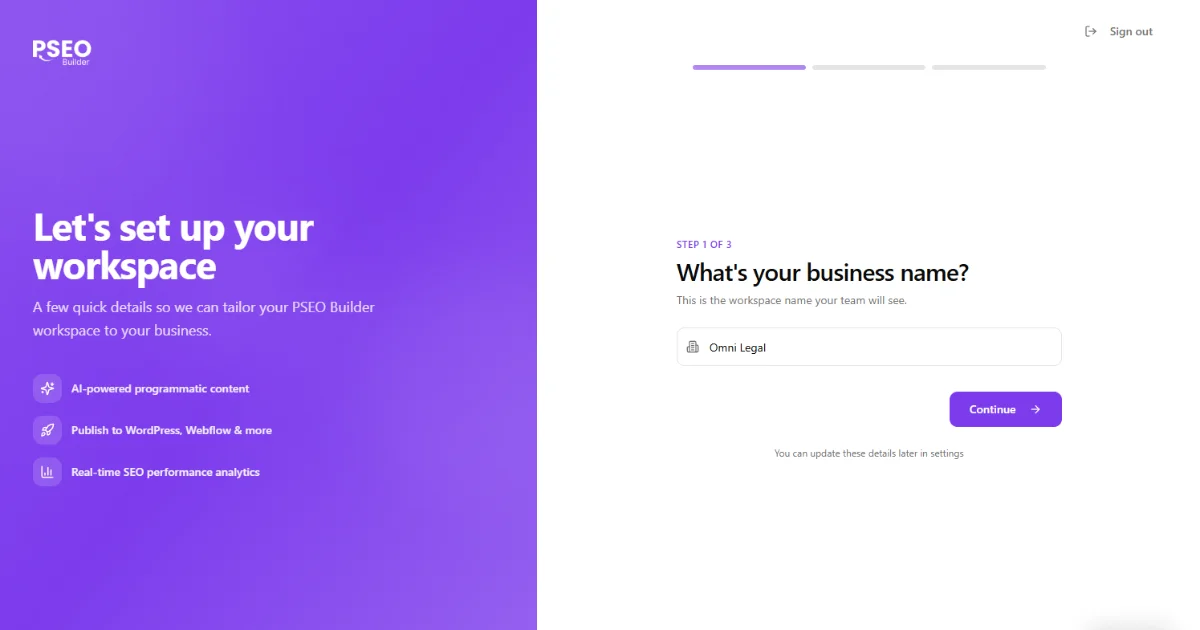
Brand new users go through a short business setup wizard (company name, website, team size) before landing on the dashboard. Once that's done you can start your first project. See Starting a new project.
Signing in later
Use the same email and password (or Google) at app.pseo.nl. We keep you signed in across browser sessions until you sign out, so most users only do this once.
Forgot your password?
Click "Forgot password" on the sign in screen. We will email you a reset link that's valid for an hour.