
The Brand identities screen is where you create and edit reusable brand kits. Each kit is a voice description, an audience profile, a palette, a logo, and any reference URLs you want the model to imitate.
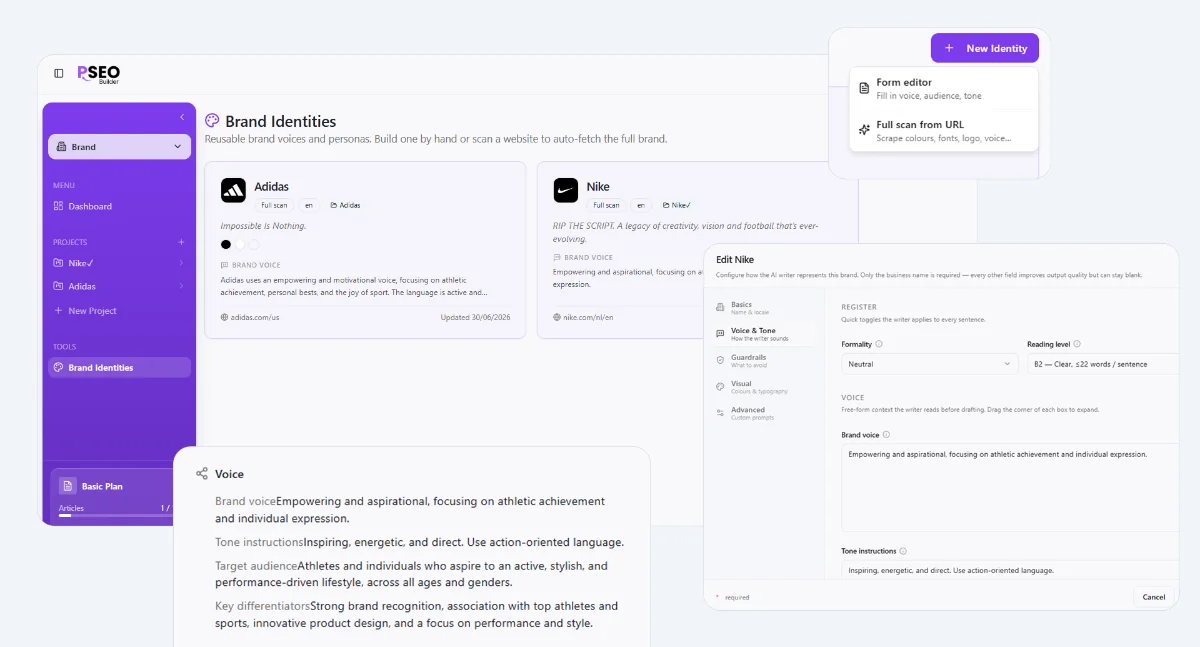
Creating one
The journey
1
Click "New brand identity"
From Subaccount → Brand identities.
2
Paste a website URL
Builder will scrape the homepage, extract palette, logo, and infer a draft voice.
3
Refine the voice description
Edit the draft. Add a "do not say" list. Save.
Attaching to a project
When you create a project, pick the Brand Identity from the dropdown. You can change it later from Project → Settings → Brand. Changing the brand re-runs no articles automatically, but new articles will pick up the new voice.